Today
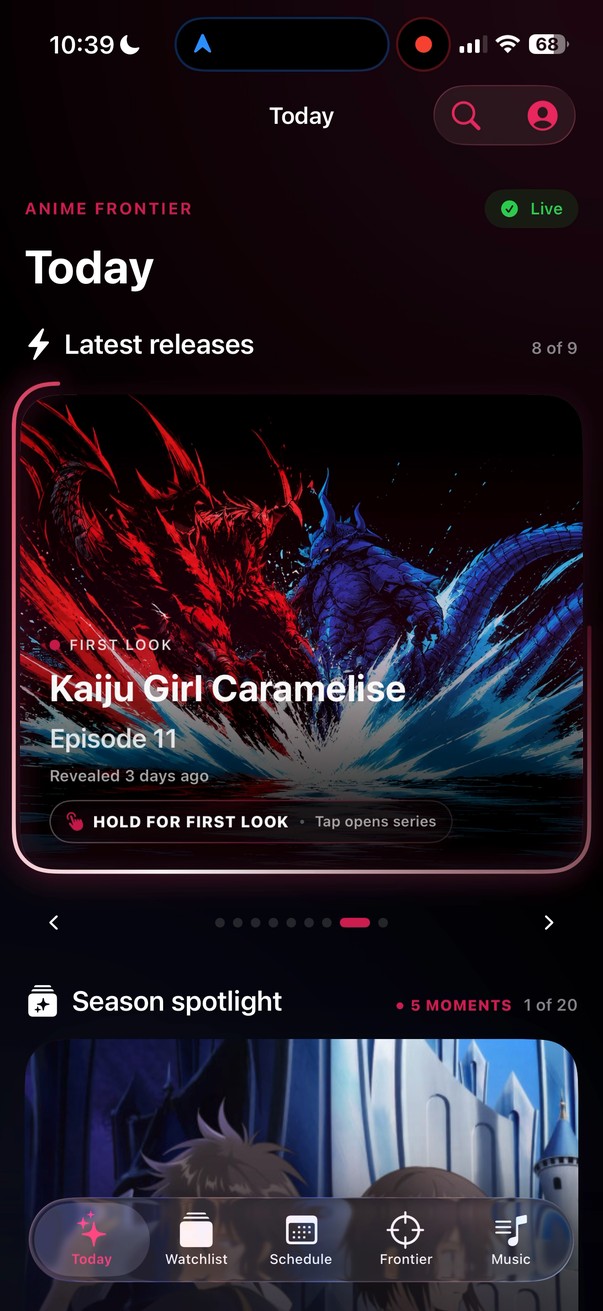
What just landed and what is about to. Hold a First Look and, for one episode, it struck back.
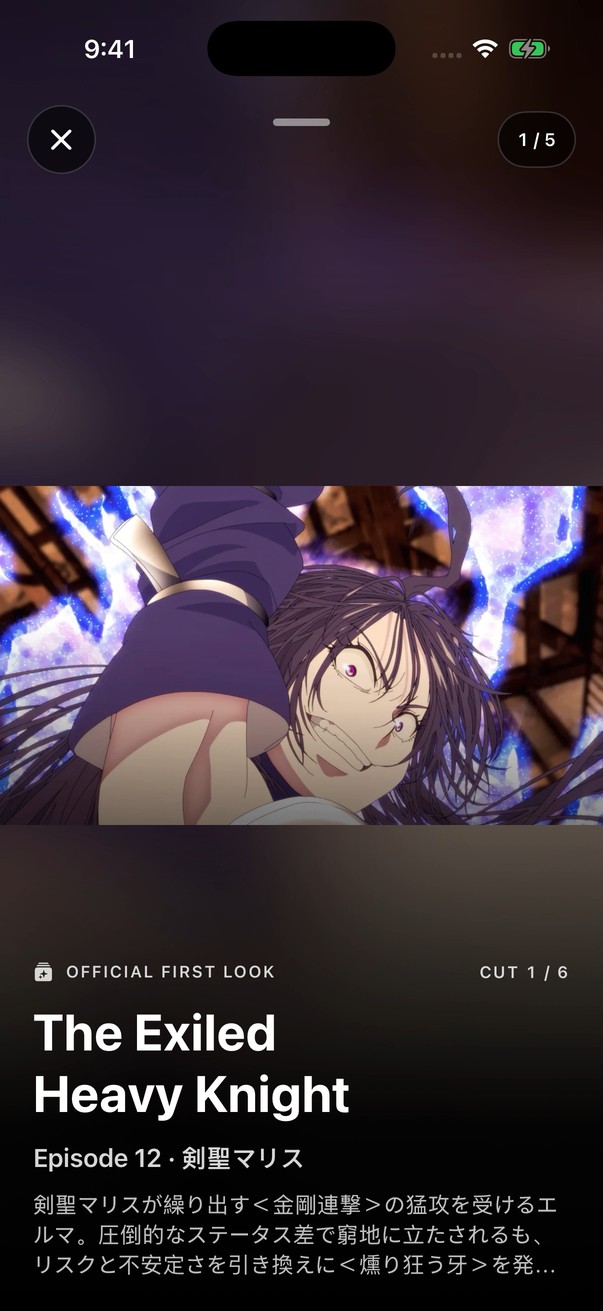
Any episode’s official cuts, reachable again from the series archive: here, Malice in The Exiled Heavy Knight.
Anime Frontier · native iOS · in development
Anime Frontier is a native iPhone app I’m building for anime fans: releases, schedules, discovery, official video and music in one place, so nobody has to piece the answer together across services.
Runs on my iPhone every day. Public release still ahead.
01 / A one-time cinematic event
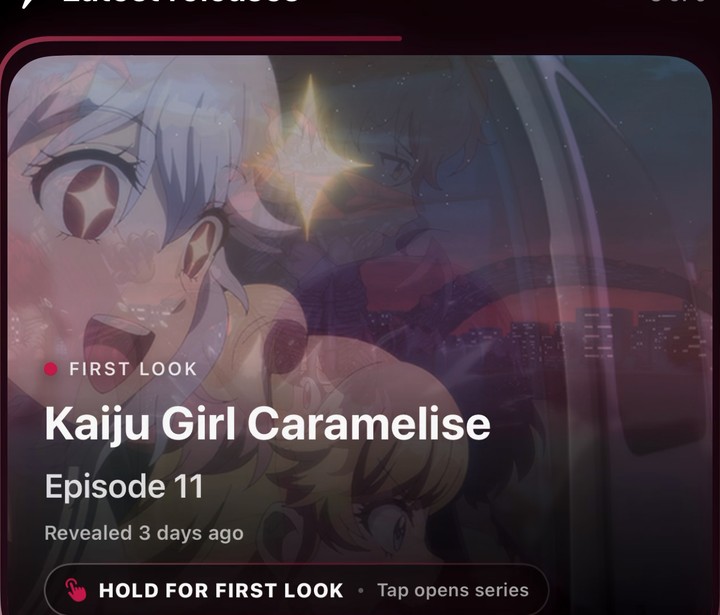
Kaiju Girl Caramelise · Episode 11 · First Look · recorded on my iPhone, 6 Sep
For episode 11 of Kaiju Girl Caramelise I made a cinematic event that existed for one release: five drawings, timed on the app’s animation clock, that fire the instant a fan holds the First Look card in the days before the episode lands. The strike plays over the official cut, then the cut lifts.
Impact frames are the medium’s own punctuation, and I wanted a release to feel like one. The sequence is keyed to a single official still and the page it came from, so it can only ever play on that cut. When the episode aired the card moved on to its Moment and the event was over, the way a premiere is. Earlier episodes now stay reachable in the series archive, so the cut and its strike are never lost.
The exposure sheet
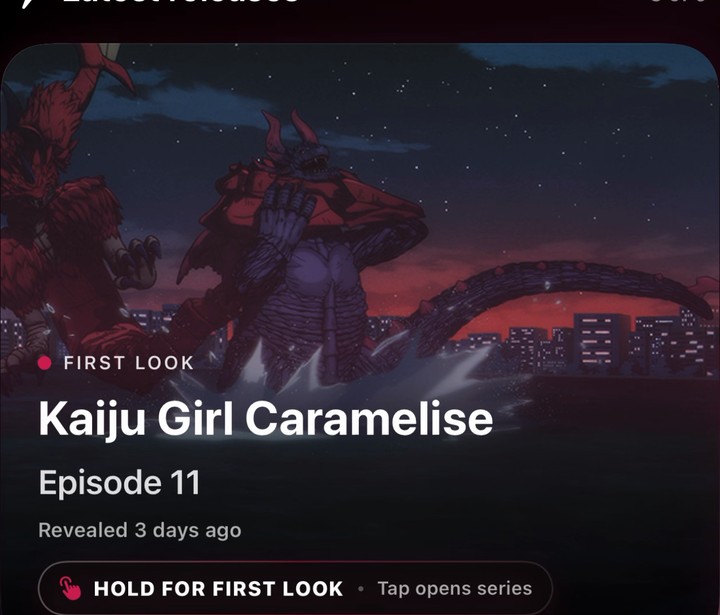 Holdtouch-down
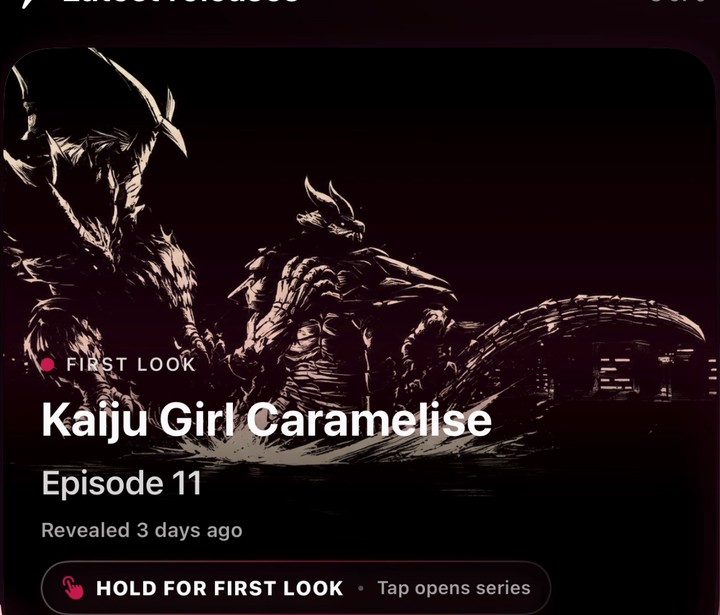 Compression6 ticks
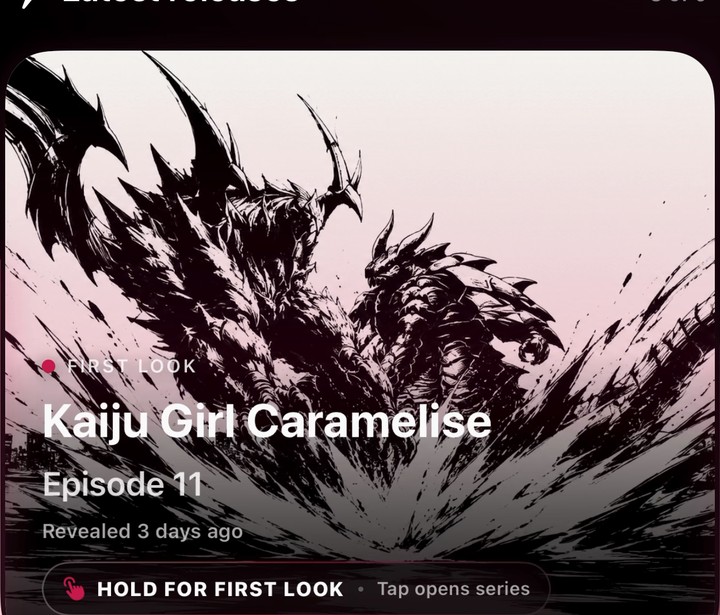 Contact5 ticks
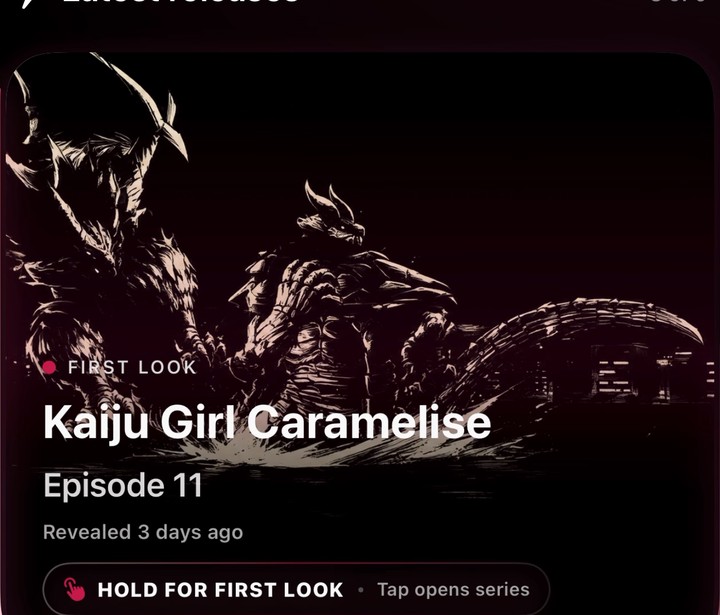 Compression2 ticks
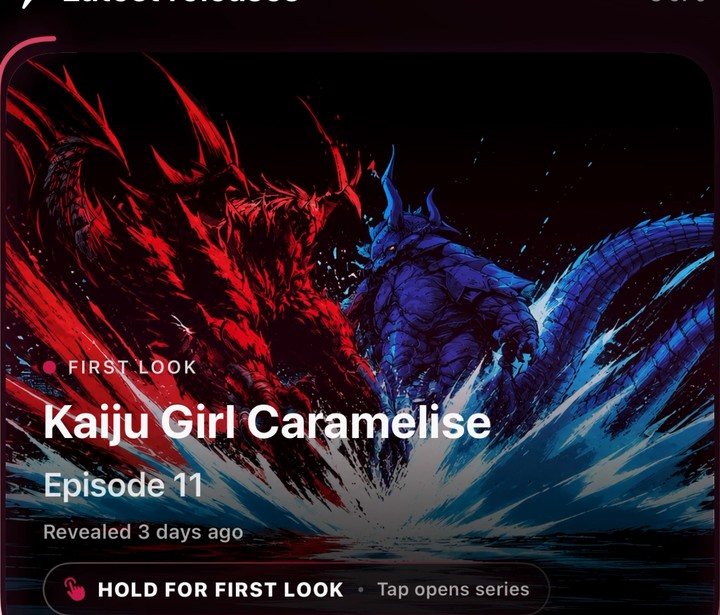 Color5 ticks
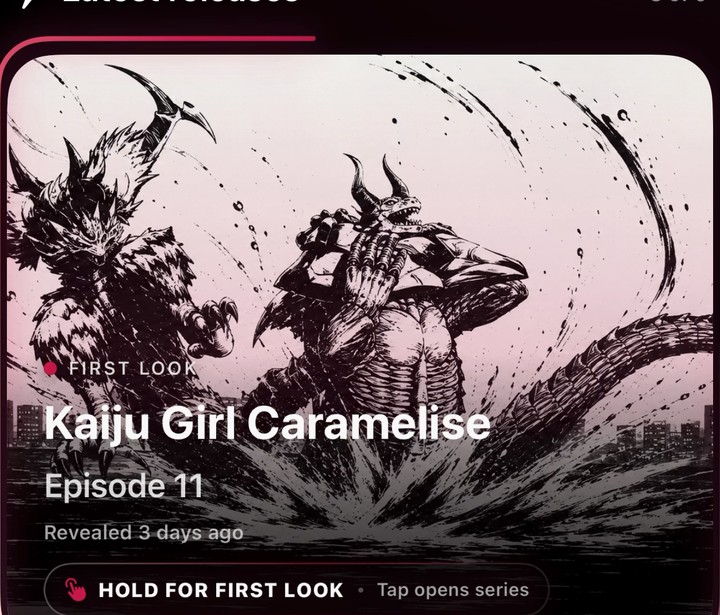 Recovery8 ticks
 The cutlifts
Twenty-six ticks at 120 Hz, 216 milliseconds from the first drawing to the original. Lifting the finger cancels it. Opening the room can never start a second strike. Every other card keeps the plain press.
02 / Five surfaces, one fan
Fresh captures from the running app
What just landed and what is about to. Hold a First Look and, for one episode, it struck back.
Any episode’s official cuts, reachable again from the series archive: here, Malice in The Exiled Heavy Knight.
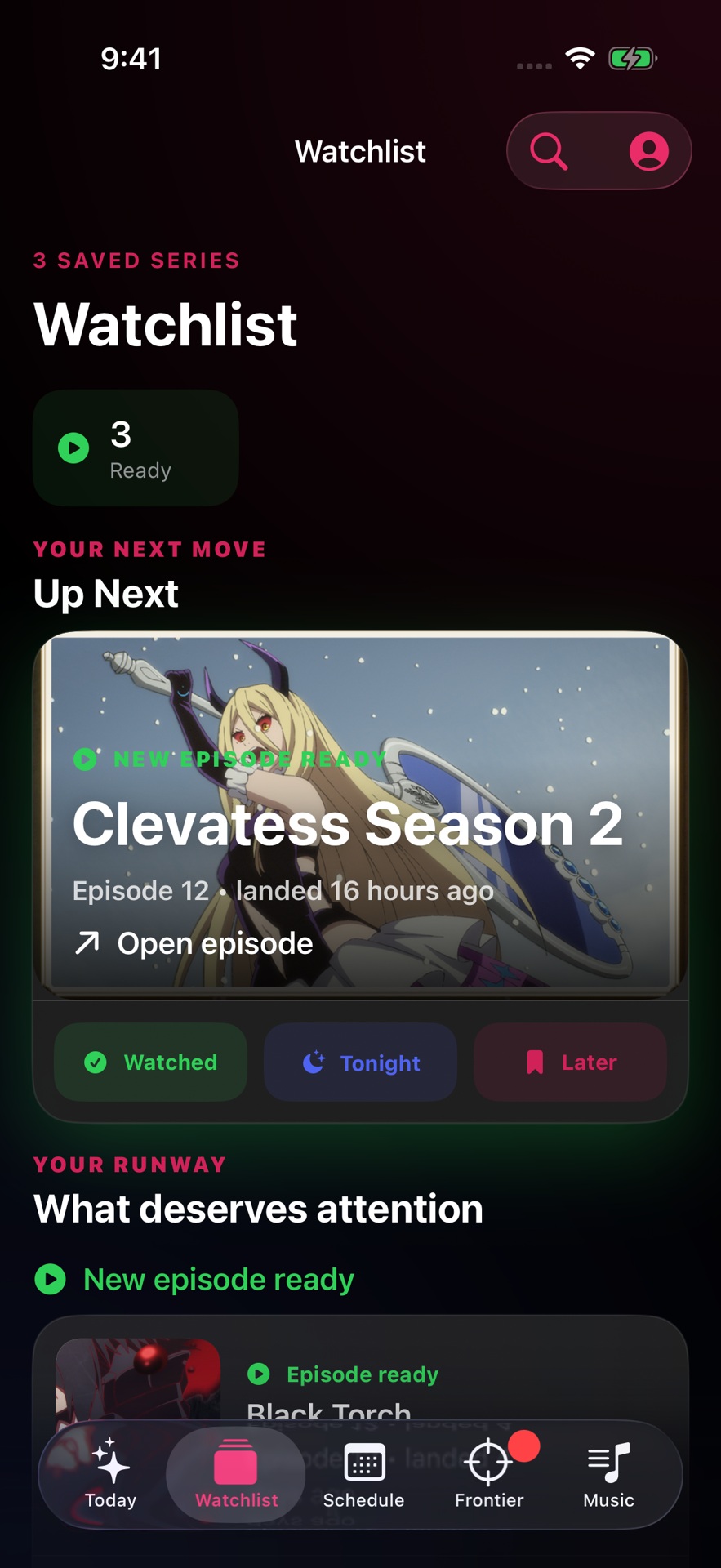
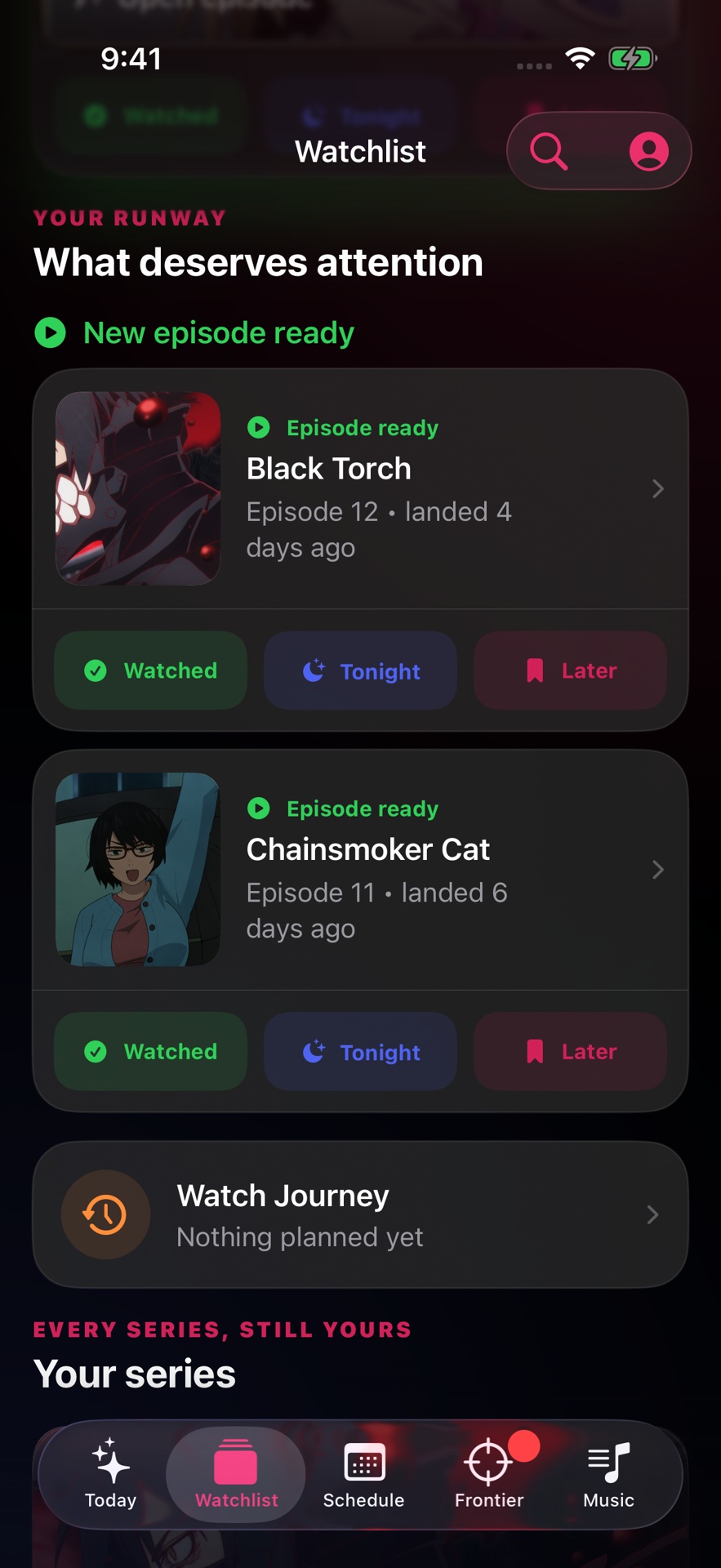
Your next move first, then the runway of everything you follow.
Each ready episode carries watched, tonight and later, one tap each.
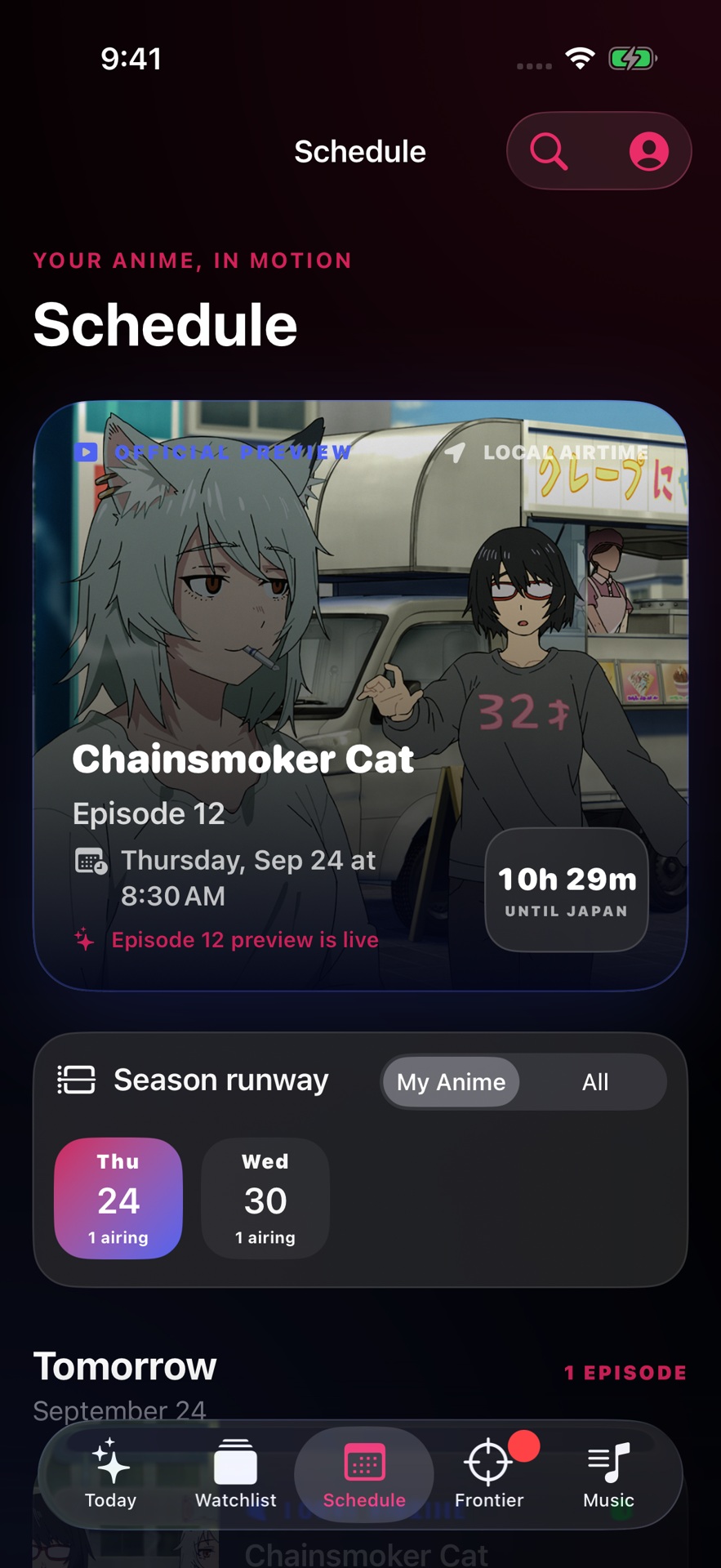
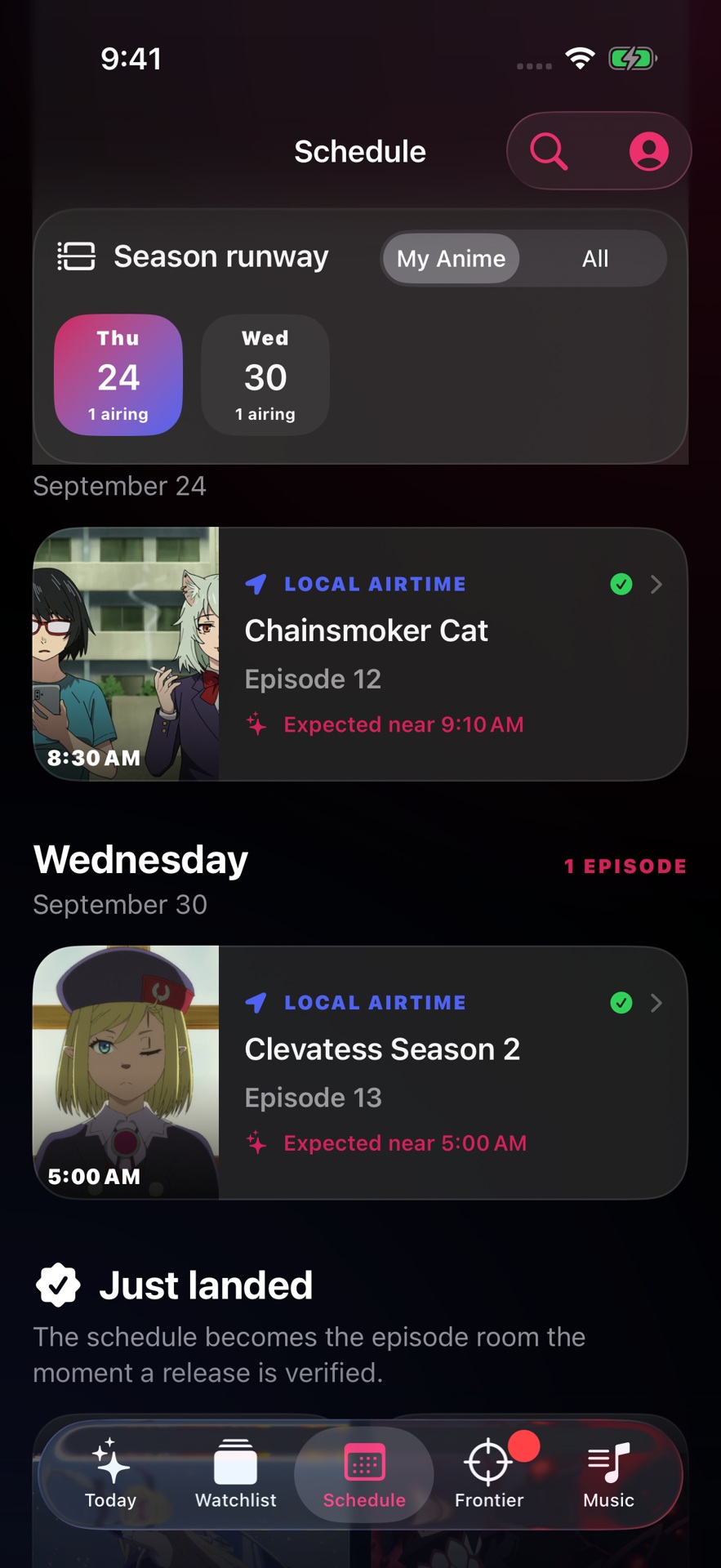
The season runway, local airtimes, and a countdown to the exact episode.
Tomorrow and the week ahead; a slot becomes the episode room once the release is verified.
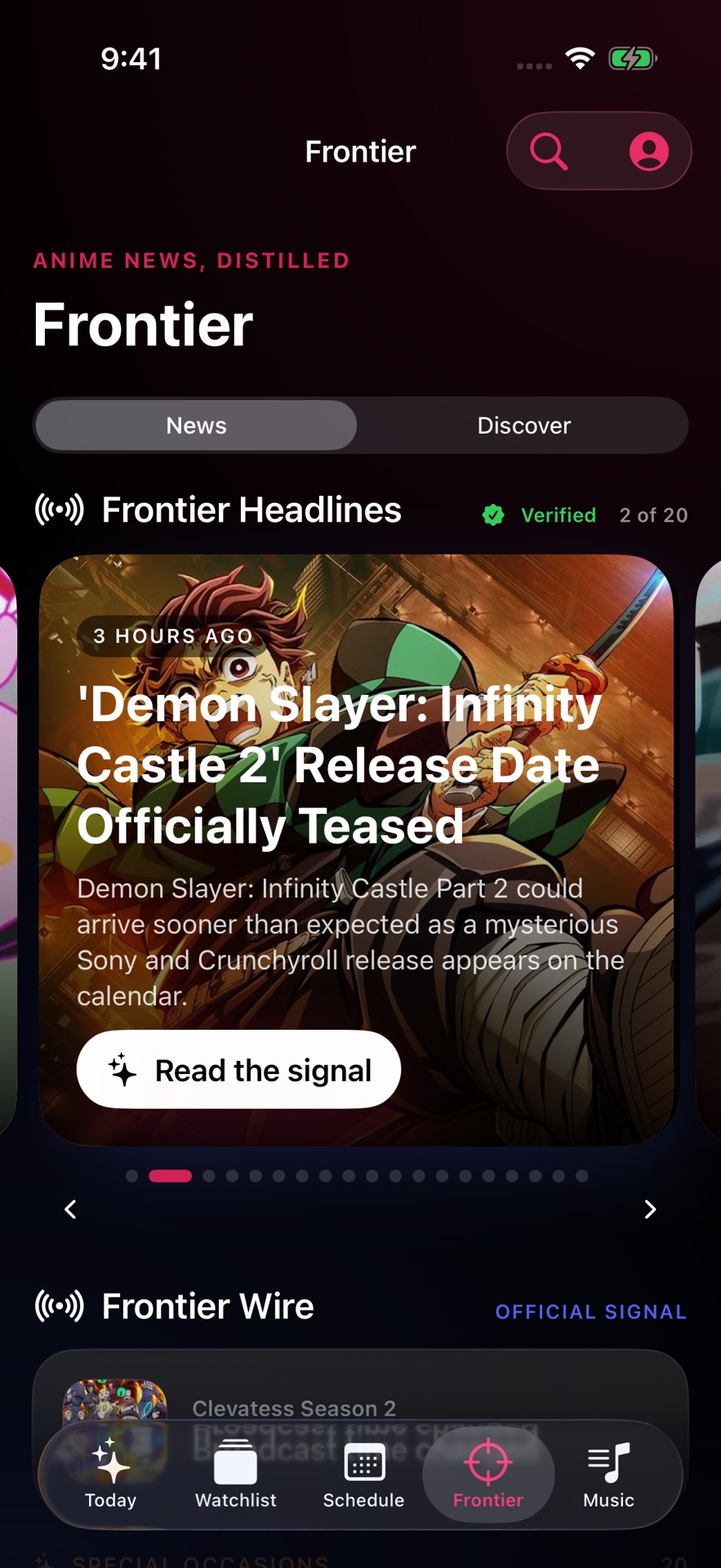
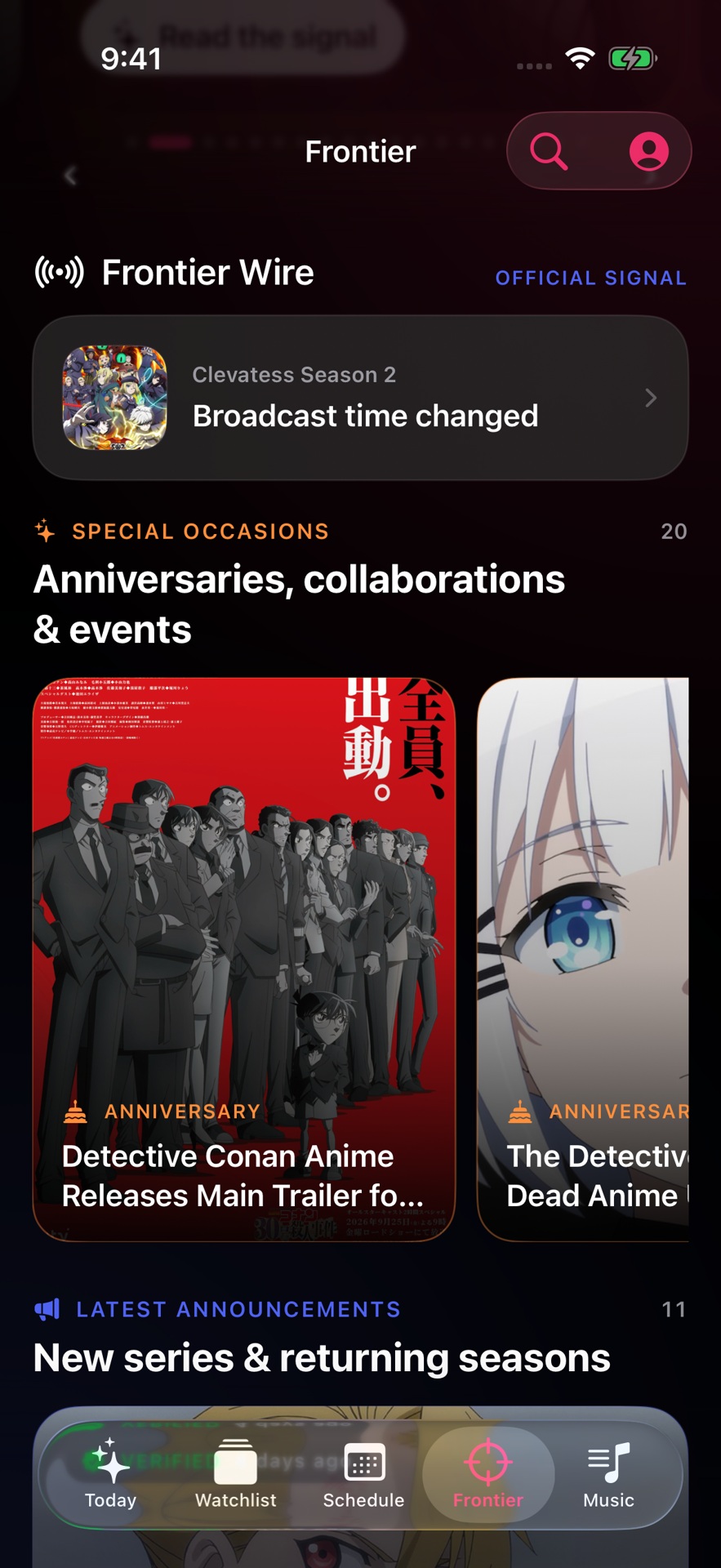
Anime news distilled: verified headlines, then the official wire.
Anniversaries, collaborations and events get their own lane; announcements follow.
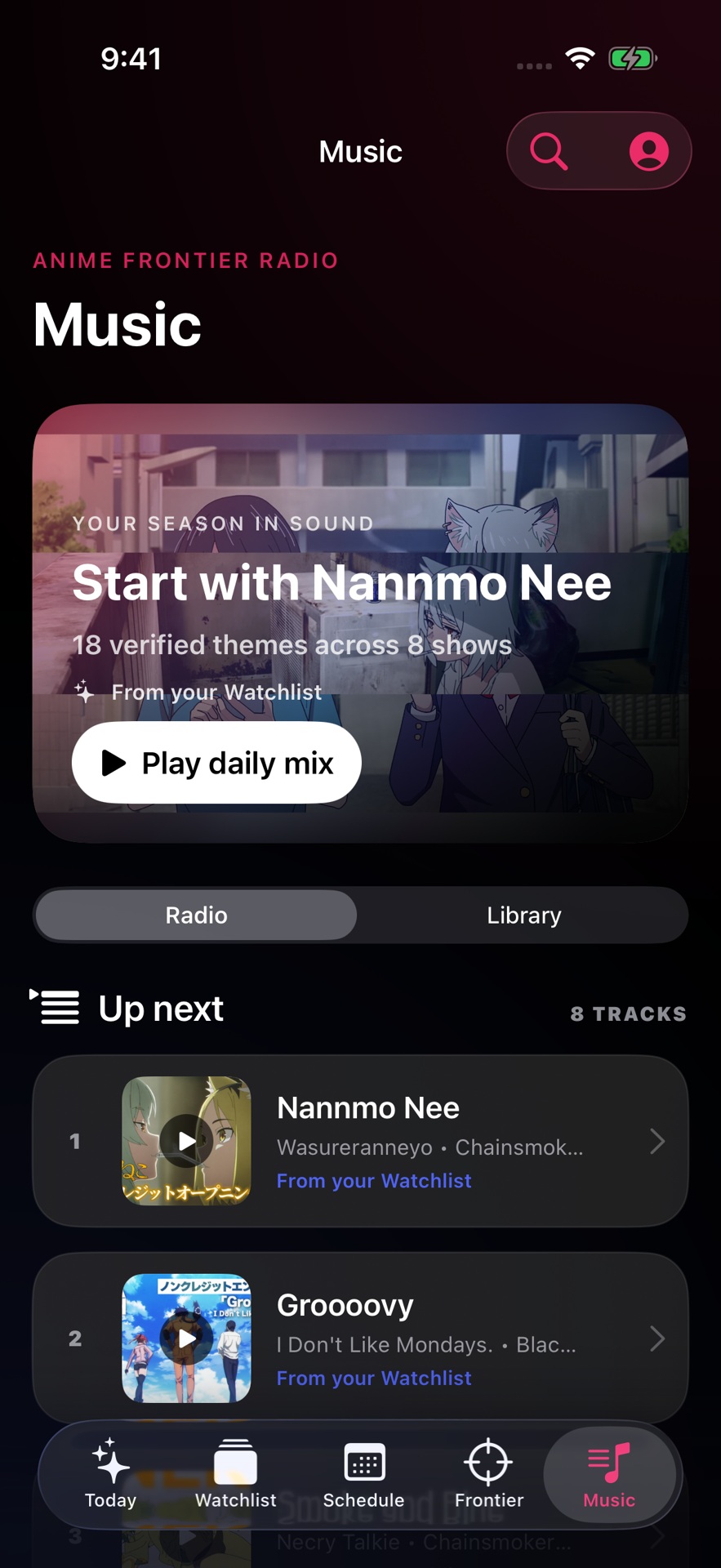
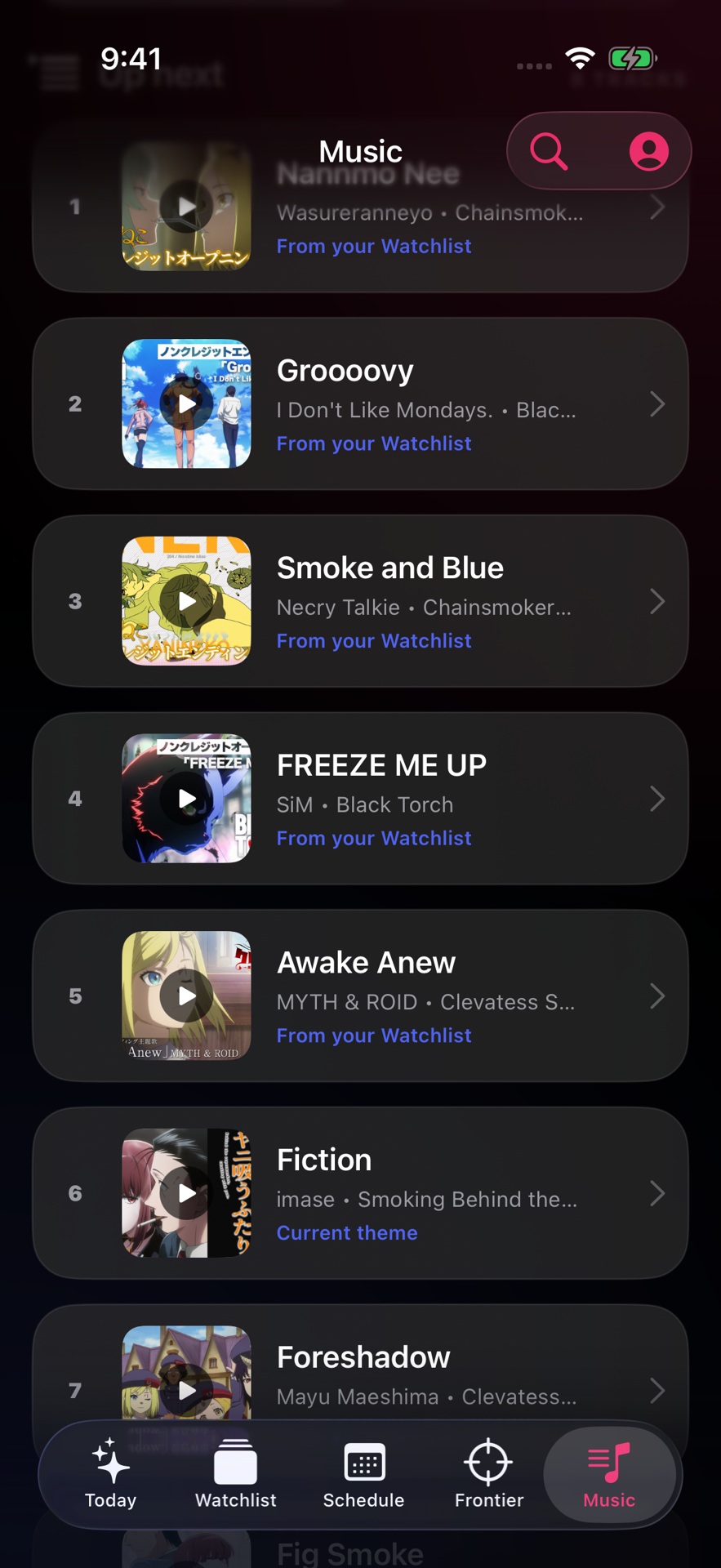
Your season in sound: official themes from the shows you follow.
A native queue, every track tied back to its series.
03 / The tour
75 seconds · captioned · silent
From the question a fan asks to the interaction that had to feel right. Edited from development captures and one recorded interaction at original speed.
04 / One engineering decision
SwiftUI · UIKit · interaction state
In everyday use, an artwork page enlarged as it left the screen. The viewer opened, paged and closed correctly, so a test that only checked the settled screen never saw it.
Selection was driving layout. Halfway through a drag the selected item changed, and the outgoing image switched from fitting the viewport to filling it while it was still visible.
Viewer mode now owns framing; selection only names the current image and what gets shared. The two no longer compete mid-gesture. Verified with slow drags across the boundary in both directions, then zoom, save, share and return.
Actual recordings at original speed. Same drag, same artwork.
05 / How it’s built
Swift · SwiftUI · UIKit · Python
Surfaces are SwiftUI. Players, gesture recognizers, sharing and original-file export drop to UIKit and AVFoundation when the interaction needs them. Expensive work stays off the main thread; the original bytes of an image are what get shared.
Domain models, decoders and the policies that decide what a screen shows live in a package the app imports. Most of it is pure functions with tests, so a rule about identity, freshness or framing is written once and holds everywhere.
A Python service follows official and editorial sources, verifies what it finds, and composes it into a snapshot the app can trust. Verified means a source was checked, not a badge that was typed.
06 / How I work
I founded and direct Anime Frontier: the fan problem, the product priorities, and reviewing every build on my own iPhone.
The work is in the repeated decisions that make it more useful, more responsive and more coherent. Inspect the result, challenge what feels wrong, find the cause, verify the change in the app. Repeat.
This project taught me to look past a convincing demo. A release card needs the right data. A beautiful image needs the right source and crop. An interaction has to stay correct while it is moving. That combination of product care and engineering follow-through is what I want to bring to a mobile team.